
Fast approvals matter more when a purchase can’t wait, especially during Samsung promos and limited drops.
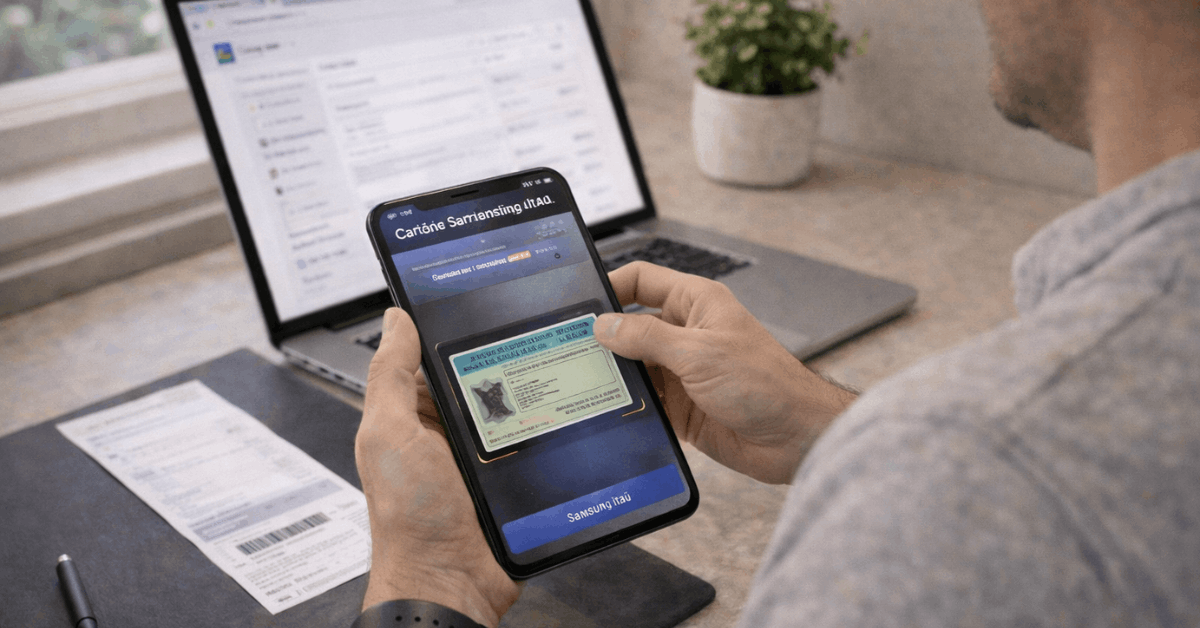
The Itaú Samsung Card is built for that reality in Brazil: application happens inside the Cartão Samsung Itaú app, and approval can unlock a virtual card right away for online spending while the physical card ships. Recent official app-store descriptions position it as a Visa Platinum card with anuidade zero, plus Samsung-first perks tied to Samsung’s own shopping ecosystem.
Card terms can change, and older cardholders may see slight differences depending on issuance. Current guidance still stays simple: apply in-app, complete identity checks, authorize analysis, then manage everything on the phone.
What The Itaú Samsung Card Is Designed To Do
A typical bank card tries to be good at everything. This one aims at a narrower goal: helping Samsung customers buy tech with better conditions, then manage the card digitally without friction.
Most benefits cluster around Samsung purchases, Samsung wallet payments, and in-app control. That focus can feel “worth it” if Samsung products show up in the budget at least a few times per year, or if mobile-wallet payments already run most daily spending.
Eligibility and What Itaú Usually Checks
Basic eligibility is straightforward: the offer targets residents in Brazil, and approval depends on Itaú’s credit analysis. Personal data quality matters more than people expect, since small mismatches can trigger delays.
Documentation commonly requested includes CPF, plus an official ID such as RG or CNH, and proof of address that matches the application details. Itaú also requires authorization for a credit check, since the bank needs permission to consult credit bureaus during analysis.
Documents To Prepare First
Keep these ready, so the form stays fast, and the review doesn’t stall:
- CPF and a current phone number tied to the applicant.
- RG or CNH in good condition, readable, and valid.
- proof of address that matches the current residential details.
- Income information that can be supported if verification is requested.
- A stable email address that gets checked daily during the decision window.
Benefits That Matter Most For Samsung Buyers
Samsung-focused cards can look similar on a banner, then feel different at checkout. The value here often comes down to installment length, VIP pricing access, and points behavior in wallet payments.
Samsung store purchases may qualify for extended installments, often advertised as up to 24 interest-free payments on eligible Samsung channels and participating products.
Samsung Vip
Certain benefits are tied to Samsung Vip, a program that can include special pricing and periodic coupons. Some materials describe VIP access as a separate paid add-on, so expectations should stay realistic: card approval and VIP subscription are not always the same thing.
Rewards can also be a deciding factor. The card’s ecosystem highlights Samsung Rewards, including extra points when payments run through Samsung’s wallet experience rather than a plastic tap.
Step-By-Step: Apply Online Inside The App
The cleanest application path runs through the official app flow. Data entry takes minutes when documents and contact info are ready, then the analysis window can range from near-instant to a few business days.
- Install the Cartão de crédito Samsung Itaú app from the official app store for the device.
- Open the app and select the option to request the card.
- Enter personal details carefully, including full name, CPF, address, and contact information.
- Add income information and confirm any requested declarations.
- Accept the terms and authorize the credit check so Itaú can complete the analysis.
- Submit the request and monitor email and in-app status updates for the decision.
- Approval typically unlocks the option to generate a virtual card for immediate online use.
Accuracy beats speed at the form stage. Typos in CPF, an address that doesn’t match the proof document, or a name mismatch across records often create the “pending longer than expected” scenario.
What Happens Right After Approval
Approval usually triggers a setup sequence that feels like activation, even though the physical card may still be in transit. A digital card is typically available first, then the plastic arrives later.
A practical next move is adding the card to Samsung Wallet so contactless payments work on the phone or Galaxy Watch. Wallet setup is also where some reward mechanics show up, since several benefits reference points tied to wallet-based spending.
Virtual card controls also matter for everyday safety. Temporary virtual numbers can help for one-time purchases, while recurring virtual numbers can reduce friction for subscriptions, especially streaming and app charges that renew monthly.
Security Features Worth Using Early
Digital-first cards bring good control, yet the control only helps when it’s actually turned on. Real-time notifications, temporary locks, and device security tools should be set up on day one.
Some materials highlight Cadeado Galaxy, a protection feature designed to lock a Galaxy device in case of theft or loss, helping protect banking apps and personal data. Device security still depends on basics too: screen lock, biometric login, and up-to-date firmware.
Firmware updates sound boring, yet payment apps can misbehave on outdated systems. Keeping Android firmware current and keeping Samsung wallet apps updated tends to reduce activation issues and failed tokenization attempts.

Fees, Interest, and The Cost Traps To Avoid
Marketing often emphasizes anuidade zero, and current public descriptions position the card as no annual fee. Still, monthly paid benefits can exist separately, especially where VIP access or bundled services apply, so the cost structure deserves a quick double-check during onboarding.
Interest behavior matters even more than fees. Revolving credit in Brazil is expensive across the market, and the Itaú contract terms decide the exact percentages for each customer profile. Paying the statement in full stays the cleanest way to keep the card “cheap,” especially if the main goal is Samsung installments and wallet convenience rather than long-term borrowing.
Installments advertised as interest-free usually apply to specific Samsung channels and product categories, not every purchase on the card. Splitting the statement into installments can carry interest, even when the original Samsung purchase had a promo plan.
Common Application Problems and How To Fix Them
Denials and delays happen for normal reasons, and most are fixable on a second attempt.
Address mismatch is a common one. Proof of address that uses a different abbreviation, missing apartment number, or a document in another person’s name can slow review. Another issue shows up when the phone number is new or not tied to the applicant’s CPF history, which can flag identity verification checks.
App-related issues happen, too. Cache problems, outdated device firmware, or a wallet app that’s not updated can block virtual-card generation and wallet provisioning. Reinstalling the app can help, yet updating the operating system and wallet app often resolves the problem faster.
Support Channels In Brazil
Phone and chat support can be useful once a request is stuck in analysis or a card isn’t provisioning correctly in a wallet.
Itaú commonly routes support through its card service lines and in-app chat, which is often the quickest option when the issue involves app verification steps.
Keeping the CPF and the application email ready during contact tends to speed up support, since most flows start with identity confirmation.
Final Checklist Before Pressing Submit
Strong applications are boring in the best way: accurate, consistent, and easy to verify.
Personal details should match official documents exactly, including accents and full surnames. Address details should match the proof document format. Income should be honest and defensible if a later verification request appears.
Applied correctly, the Itaú Samsung Card can be a practical tool for Samsung purchases, wallet-based payments, and safer online buying through virtual numbers. Terms still change, so final confirmation should happen inside the app’s official card offer screens during the request flow.