Many people search for a “Neon Mastercard” because they want a Neon-issued card on the Mastercard network in Brazil.
In Neon’s current public materials for Brazil, the consumer card is commonly described as Visa rather than Mastercard.
What “Neon Mastercard” usually refers to in Brazil
Neon presents its card offering in Brazil as a digital-account card experience, and its own materials commonly reference the Visa network for the card.
That means the phrase “Neon Mastercard” is often a search shortcut, not necessarily a product name Neon is advertising to Brazilian consumers.
If your goal is specifically Mastercard acceptance, you should confirm the network shown inside the Neon app or in the card details you receive.
If you only need a Neon card to pay online and in-store in Brazil, the practical steps to apply and manage the card are still the same.
Who can apply and what Neon checks
Neon’s application flow is built around opening and activating the digital account first, because the credit card request is made from inside the app.
When you request credit, Neon states it evaluates information from multiple sources and also looks at your credit and payment behavior, inside and outside Neon.
Approval is not always instant, and the credit analysis can take up to 5 calendar days, which is important if you are applying on a deadline.
If you are not approved, you may be able to request again after a waiting period, so rejection does not automatically mean you can never get the card.
How to apply online in the Neon app
The official application path is app-first, meaning you should expect to download the Neon app and complete registration before you can request credit features.
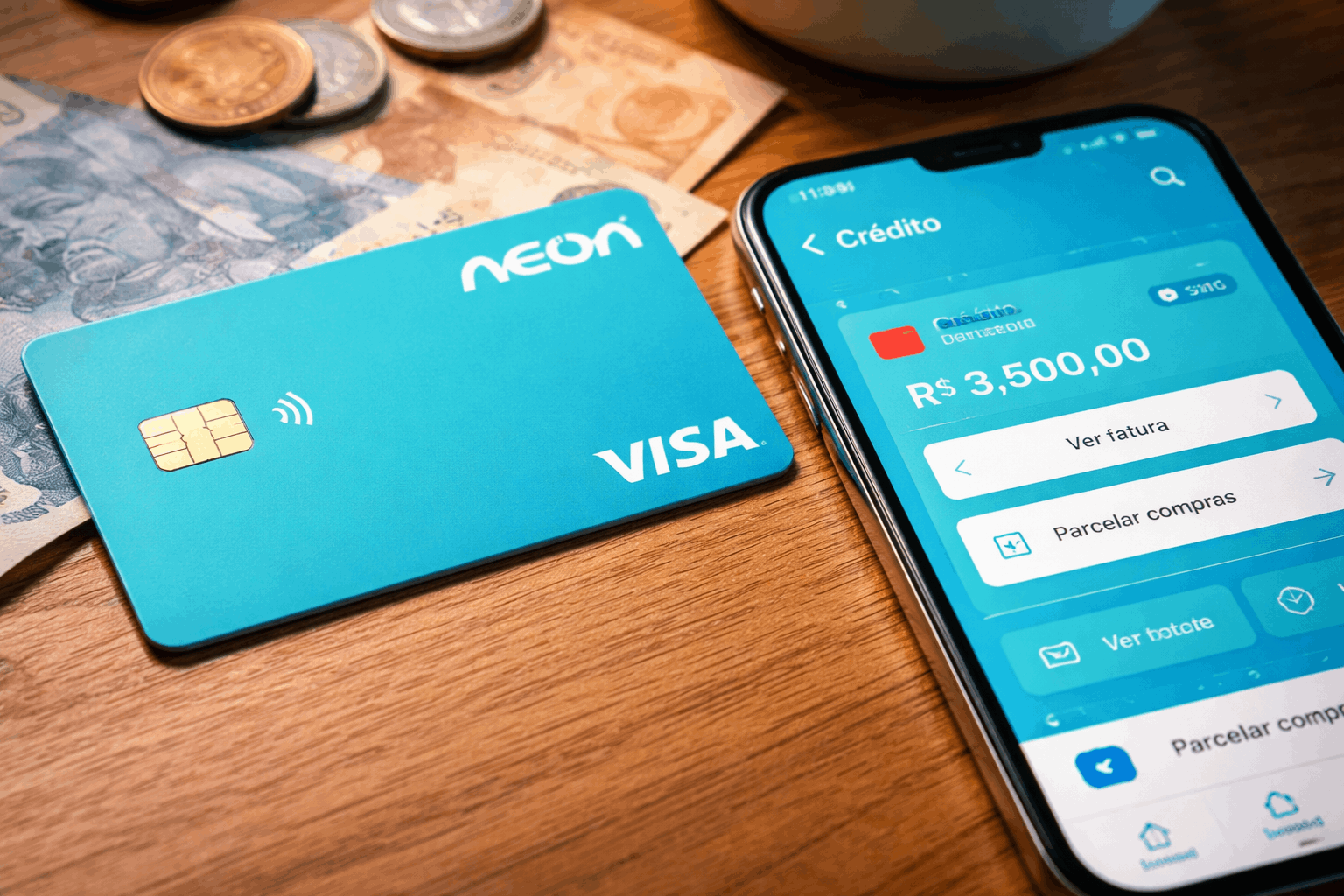
Request the card from the “Crédito” area after your account is opened and activated.
The approval decision depends on the credit analysis timeline, so you should plan for the full window rather than assuming same-day approval.
Once approved, you’ll manage limits, invoices, and features digitally in the app, which is the core model Neon promotes for its card and account.
Step 1: Download the app and open your account
Get the official Neon app from your phone’s app store and start the account opening flow directly inside the app.
Complete the requested registration steps carefully because mismatched personal data can slow verification and delay access to card features.
Finish account activation so you can access the in-app areas where Neon places credit products and card controls.
Step 2: Request the credit card in the “Crédito” area
After activation, open the “Crédito” section of the Neon app and select the option to request the credit card.
It will analyze your profile using market data sources and your credit and payment behavior to decide approval and initial limit.
Wait for the credit analysis result, which Neon says can take up to 5 days, and avoid submitting repeated requests that could create confusion during review.
Step 3: Confirm approval status, limit, and your card’s network
If you are approved, review your initial credit limit in-app and make sure you understand what portion is available after any pending transactions.
Check the card details shown in the app to confirm the network, so you know what logo and acceptance rules apply to your card.
If you were searching for a “Neon Mastercard” specifically, this is the moment to verify whether Neon issued what you expected before you move recurring payments.
Fees and interest rates you must verify before using the card
Credit cards can be cheap when paid in full and extremely expensive when carried as revolving debt, so you should treat the interest section as required reading.
Crédito Rotativo is shown at 21% per month, with a stated CET of 920.15% per year, which signals how fast balances can grow.
Invoice installment interest varies by profile, and that installment offers can go from 0% up to 17.9% per month.
For an independent benchmark, Banco Central do Brasil’s rate reports list NEON FINANCEIRA – SCFI S.A. under revolving credit statistics.
Revolving credit (rotativo): the high-cost scenario
Revolving credit happens when you do not pay the full statement balance, and part of it rolls into interest-bearing debt.
Neon’s tariffs page explicitly displays the revolving monthly rate and CET, so you should treat those numbers as the first stop for cost verification.
If you cannot pay in full, compare options like installment plans in the app because the goal is to avoid the highest-cost path whenever possible.
Installment plans for the invoice: confirm the offer inside the app
Installment interest depends on the customer profile and is shown before you confirm, which means you can compare the total cost before locking it in.
The installment interest policy changed in October 2023, which is why you should not rely on screenshots or old posts when checking your own offer.
Before accepting an installment, calculate the full repayment amount and confirm whether any fees, taxes, or insurance add-ons apply to your specific contract.
Official customer support, phone numbers, and address in Brazil
If you need help fast, Neon’s support model starts with in-app chat and WhatsApp, but it also provides phone channels for general support and debt negotiation.
Neon lists a SAC phone line at 0800-580-6255 (Mon–Fri, 08:00–20:00) and a negotiation line at 0800-222-7777 (Mon–Fri, 09:00–18:00).
Neon also publishes WhatsApp numbers, including (11) 4861-9354 for general support and (11) 4632-4366 for debt negotiation.
For a mailing or corporate reference address, Neon’s privacy portal lists Av. Francisco Matarazzo, 1350, Água Branca, São Paulo – SP.
Conclusion
If you want to apply online, the most reliable path is to open and activate your Neon account and then request credit through the “Crédito” area in the app.
Apply only when you are ready to use the card responsibly, and save Neon’s official support numbers so you can resolve issues quickly if anything looks wrong.
Disclaimer: This article is for general information and does not replace the official Neon app terms, your contract documents, or personalized financial advice. Interest rates, CET, and eligibility can change and can vary by profile, so you must confirm the exact values shown to you inside the app before accepting credit or installment offers.