Apply for a Havan card online when a store-only credit line makes sense for regular Havan purchases and fuel stops. The process is designed for Brazil, runs through Havan’s official channels, and typically ends with a digital card available inside the app if approval goes through.
Account access later stays practical: invoices, shopping history, and limit controls sit in the same place, so day-to-day management doesn’t turn into a hunt across platforms.
Confusion happens because “Havan card” can also mean a religious invitation card in other contexts. Brazil’s Cartão Havan is a retail credit product tied to Havan stores and its fuel network, so the rest of this guide sticks to that meaning.
What The Havan Card Covers In Brazil
Cartão Havan works as an in-house store card, not a Visa or Mastercard meant for any merchant. Purchases and payments work across all Havan branches, and the card is also accepted across the Havan gas station network, which matters for people who fuel up near a Posto Havan.
Havan describes this as a card valid only within its own ecosystem, which keeps rules simpler but also limits where spending can occur.
A common selling point is “no annual fee,” and Havan also promotes a window of up to 40 days after the first purchase to start paying, depending on the billing cycle and conditions shown at the time of signup. Serasa has also summarized these headline benefits while reminding readers to check the exact terms shown in the current offer.
Benefits People Actually Use Most
Installments drive most of the value. Havan highlights parcelamento as a core feature, letting purchases be split over time, which can make larger household buys easier to plan. Product range matters too, since Havan positions itself as a one-stop store with hundreds of categories and a very large catalog.
App-based control is another practical benefit, since the same tool used to shop can also manage the card. The Cartão Havan app area commonly includes invoice payment, generating a duplicate payment slip, order tracking, and store hours, all inside one login. That consolidation reduces missed due dates and “where do I find this?” moments.
Optional add-ons exist, yet they deserve a slower read. Premium Protection is positioned as insurance that may cover full or partial settlement of the card debt in specific situations, depending on the contracted coverage and definitions. The decision tends to come down to household risk tolerance and budget flexibility, not marketing language.
Requirements To Prepare Ahead Of Time
Approval is still a credit decision, so basic identity and financial details matter. Most retail cards in Brazil rely on identity validation plus a credit assessment, so having documents ready avoids abandoned applications.
CPF and RG appear frequently as baseline identifiers for Brazilian retail credit applications, along with personal information and income details. Proof of address and proof of income may be requested depending on the profile being evaluated. Keep everything consistent, especially spelling, birth date formatting, and address abbreviations, since mismatches can slow validation.
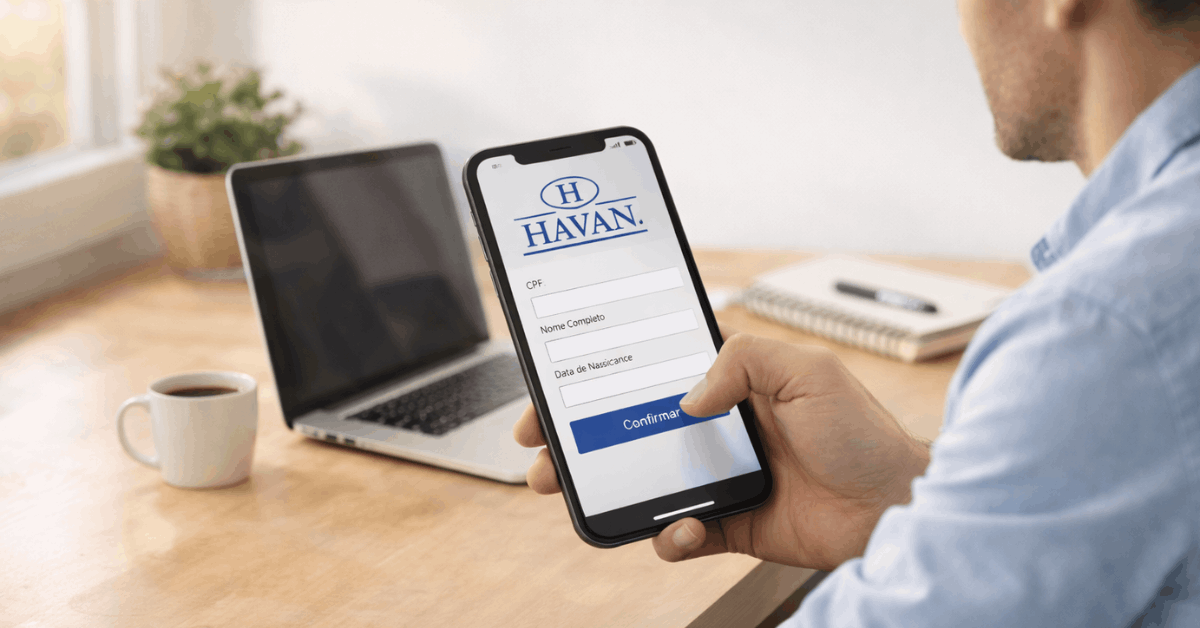
Digital access also matters. The customer portal and app login commonly rely on CPF plus a digital password (“senha digital”), so stable access to the registered phone number and email helps if password recovery is needed later.
Step-By-Step: Apply Online Through The App Or Customer Portal
A clean application tends to come down to one thing: completing the flow without gaps, then watching for the approval message inside the same channel used for signup.
- Download the official Havan app and open the area related to Cartão Havan.
- Start the request flow and enter personal details exactly as shown on the documents.
- Add CPF and RG information, then continue with address and income details as requested.
- Submit the request and wait for the system’s credit analysis to finish.
- Check the result inside the same account area, since approval updates often appear there first.
- After approval, open the card area to confirm the digital card status and available actions.
Management features can appear immediately after approval. Many users focus first on the Havan Card invoice screen, since that view anchors payment timing, minimum due amounts, and the next due date. The same menu area usually supports a second copy of boleto generation when a slip needs reissuing for payment.
What To Expect After Approval: Digital Card, Physical Option, and Validation
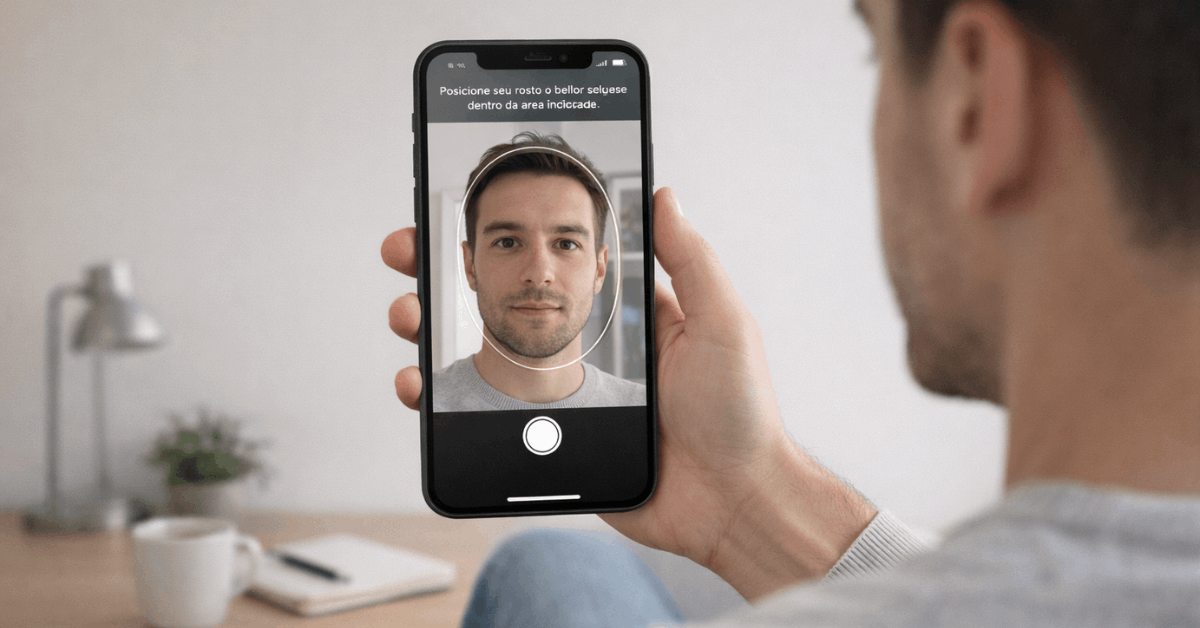
Havan has pushed a “digital-first” experience for security and convenience. Facial or biometric validation is commonly framed as the reason, reducing risk if a physical card gets lost. A physical card may still be offered during registration for people who prefer it, yet day-to-day control stays centered in the app experience.
Card usage stays simple once active:
- purchases and payments work across Havan stores, and
- Fuel transactions can work inside the Havan gas station network, where the card is accepted.
That limitation is important, since a store card often feels like a normal credit card until a checkout rejects it outside the brand.
Bills and payment slips are the second reality check after approval. Paying on time matters because retail cards can carry interest and fees for late payment, even when the card itself has no annual fee. The app and customer portal focus heavily on quick bill payment tools for that reason.
Managing The Card Inside The App
Daily management typically revolves around three actions: paying, tracking, and monitoring limits. Havan’s portal and app emphasize invoices, shopping history, and limit visibility, which helps keep spending aligned with the monthly plan.
A quick routine works well for most cardholders:
- Check the due date and amount early in the cycle.
- Confirm purchases posted correctly, especially after high-volume shopping days.
- Run a credit limit check before planning a larger purchase, since store cards can have tighter limits than bank-issued cards.
Order tracking sits in the same ecosystem, so delivery updates and purchase history can live beside billing tools. Store locator and opening hours also matter in Brazil’s regional travel patterns, since a nearby branch can vary by city.
Premium Protection is managed through the app purchase flow when offered, while activation guidance may reference Zurich as the insurance partner.
The name Premium Protection Zurich shows up in official guidance, along with instructions to follow the insurer’s activation channel when needed.
Last Thoughts
A Havan card online application works best when the card is treated as a store credit tool, not a universal payment method. Regular Havan shoppers and people who fuel at Posto Havan tend to get the most value, since installments and app-based invoice control are where the benefits actually show up.
Keeping CPF, RG, address, and income details consistent removes most approval friction, then the app becomes the daily control center for limits, boletos, and due dates.
Disclaimer
Terms and optional add-ons like Premium Protection can shift, so the smartest final step is reading the current conditions inside Havan’s official app or portal right before confirming the request.